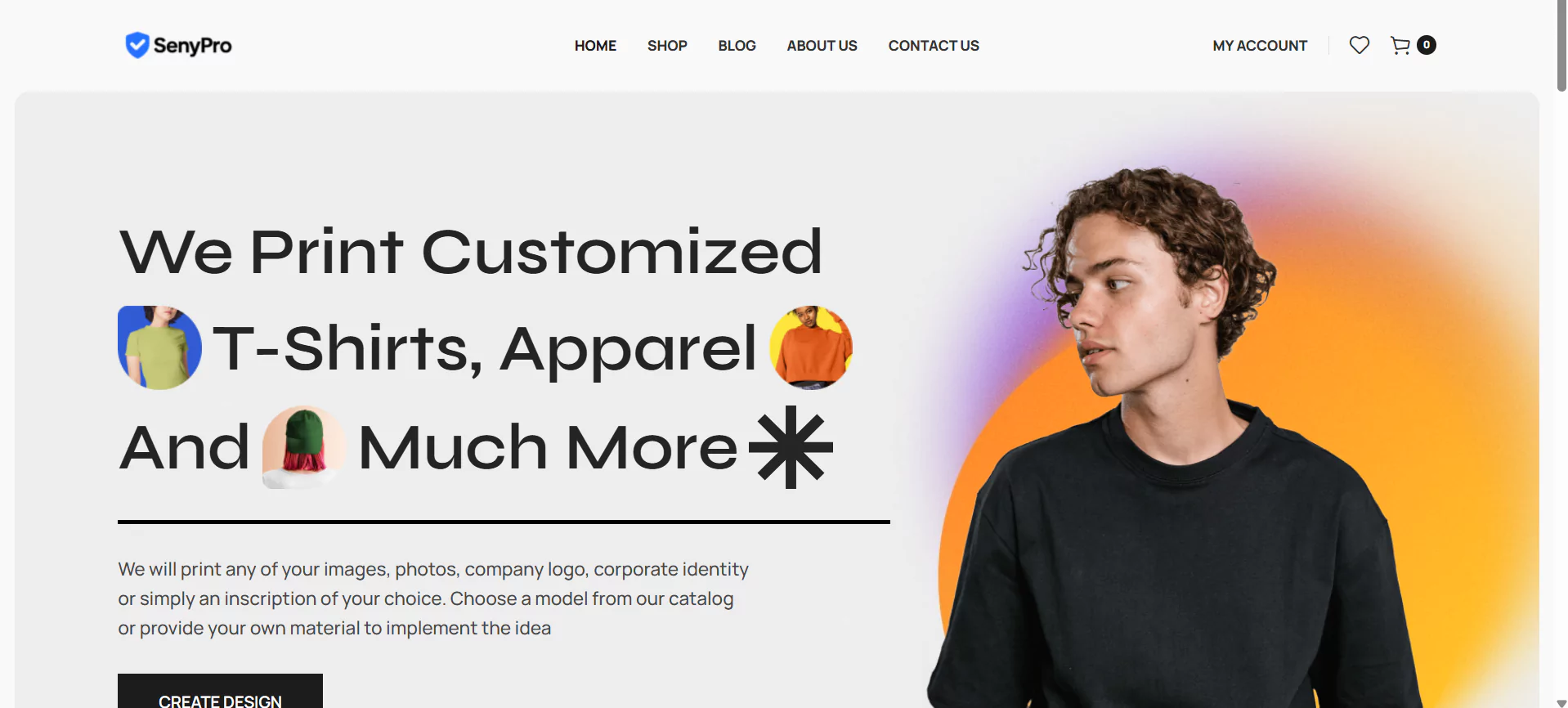
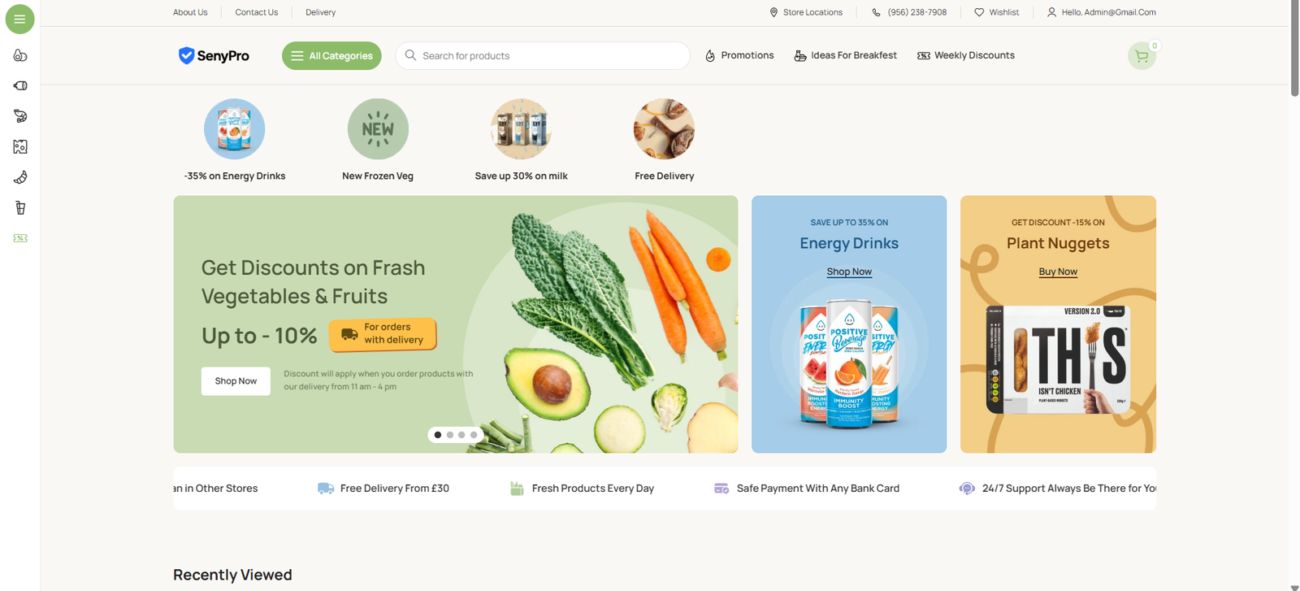
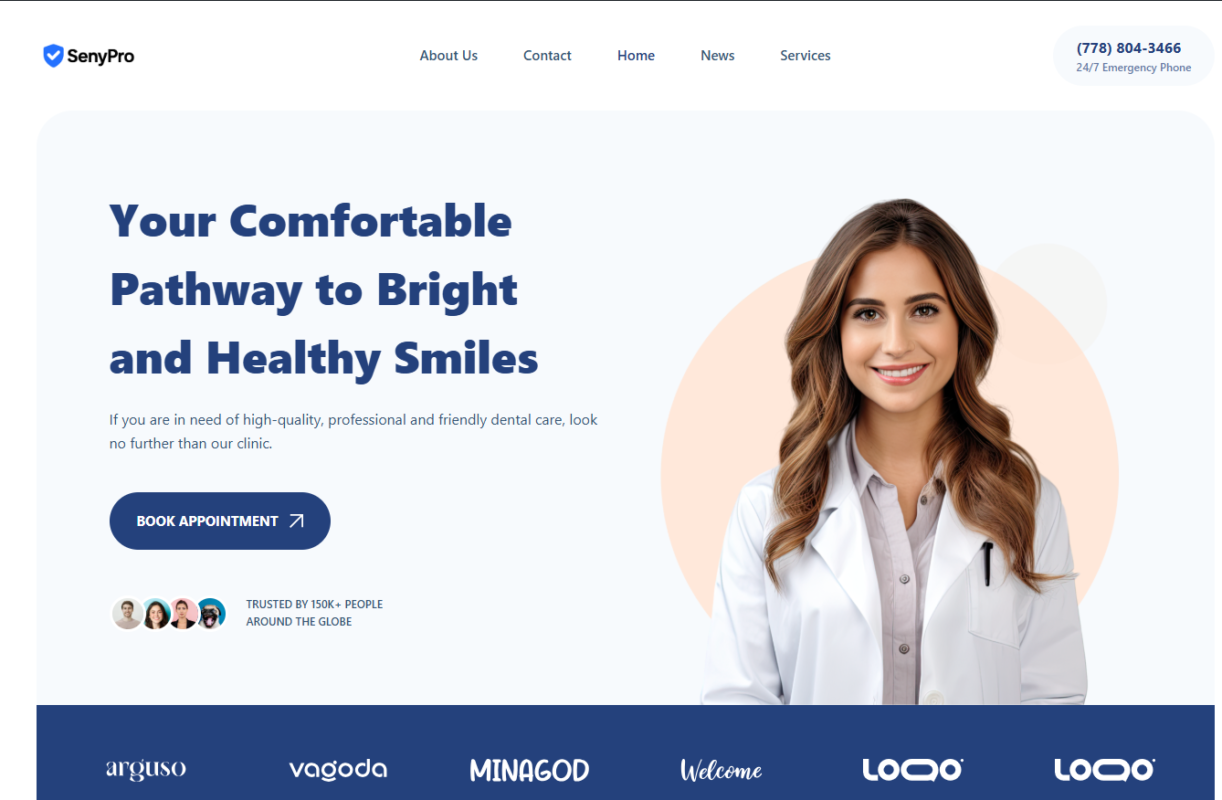
SenyPro is a fully customizable WordPress + WooCommerce t-shirt store template built for fast deployment. It includes Elementor page layouts, a working shop, product templates, cart/checkout styling, and five pre-configured plugins (Elementor, WooCommerce, All-in-One WP Migration Unlimited + addons, LiteSpeed Cache, Contact Form 7). Ship-ready demo content and migration files let you import the complete site in minutes. Ideal for designers and store owners who want a professional t-shirt storefront without building from scratch.
-
Ready-to-import full site demo (All-in-One WP Migration export)
-
Elementor-built pages: Home, Shop, Single Product, Cart, Checkout, About, Contact
-
WooCommerce product templates and variable product setup optimized for t-shirts
-
Preinstalled plugins: Elementor, WooCommerce, All-in-One WP Migration Unlimited (+addons), LiteSpeed Cache, Contact Form 7
-
Responsive design (desktop / tablet / mobile)
-
Performance & cache settings preconfigured (LiteSpeed)
-
Contact form templates (Contact Form 7)
-
Simple customization: logo, fonts, colors, banners
-
Included documentation & step-by-step installation guide
-
Demo images replaced with placeholders for quick legal compliance
-
Install WordPress (recommended recent version).
-
Install & activate required plugins (Elementor, WooCommerce, All-in-One WP Migration, LiteSpeed Cache, Contact Form 7).
-
Import SenyPro-demo-export.wpress via All-in-One WP Migration.
-
Go to Appearance → Menus and set the imported menu, then Settings → Reading for home page.
-
Update WooCommerce settings (currency, shipping, payments).
-
Replace placeholder images, update products, and remove demo admin credentials.
(Full step-by-step included in install-instructions.txt.)
-
WordPress: 6.0+ (test on current stable release).
-
WooCommerce: latest stable release recommended.
-
PHP: 8.0+ recommended for best performance and security.
-
MySQL / MariaDB: supported modern versions.
-
Hosting: LiteSpeed or compatible (for LiteSpeed Cache), 128MB+ PHP memory recommended.
FAQs
Q: Does this include WordPress or hosting?
A: No — this is a theme/template package. You must provide hosting and WordPress installation.
Q: Are the demo product images licensed for commercial use?
A: Demo images are placeholders. Replace with your own properly licensed images before selling products.
Q: Is the admin login safe to ship with the package?
A: No — see security note below. Remove or rotate any admin credentials before publishing or distributing.
Security & compliance note
Do NOT ship real admin credentials. Your package currently mentions “Login Credentials (for admin access) in txt in file”. Before you publish or sell this template: remove the admin-login.txt file or replace it with instructions that buyers should create their own admin user. Shipping real credentials in distributable files is a serious security risk and marketplace/hosting platforms may remove listings or ban accounts for unsafe practices.

 Overview
 Languages





Reviews
Clear filtersThere are no reviews yet.